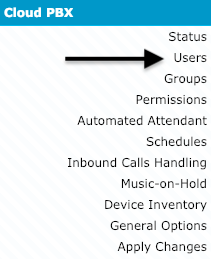
1) Click on Cloud PBX - Users
2) Click on "Passwords" beside the user that needs to be able to log in.

3) Click on "Reset Portal Login Password"
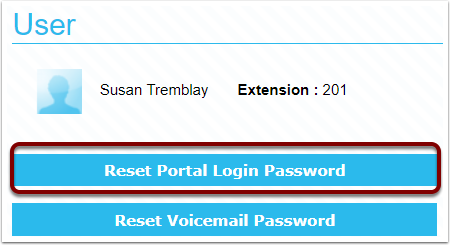
- The info with their User ID and password will be sent to their email address.

1) Click on Cloud PBX - Users
2) Click on "Passwords" beside the user that needs to be able to log in.
3) Click on "Reset Portal Login Password"